Free Virtual Staging: What You Actually Get (and When It's Worth Paying $5)
Updated September 27, 2026 · 5 min read
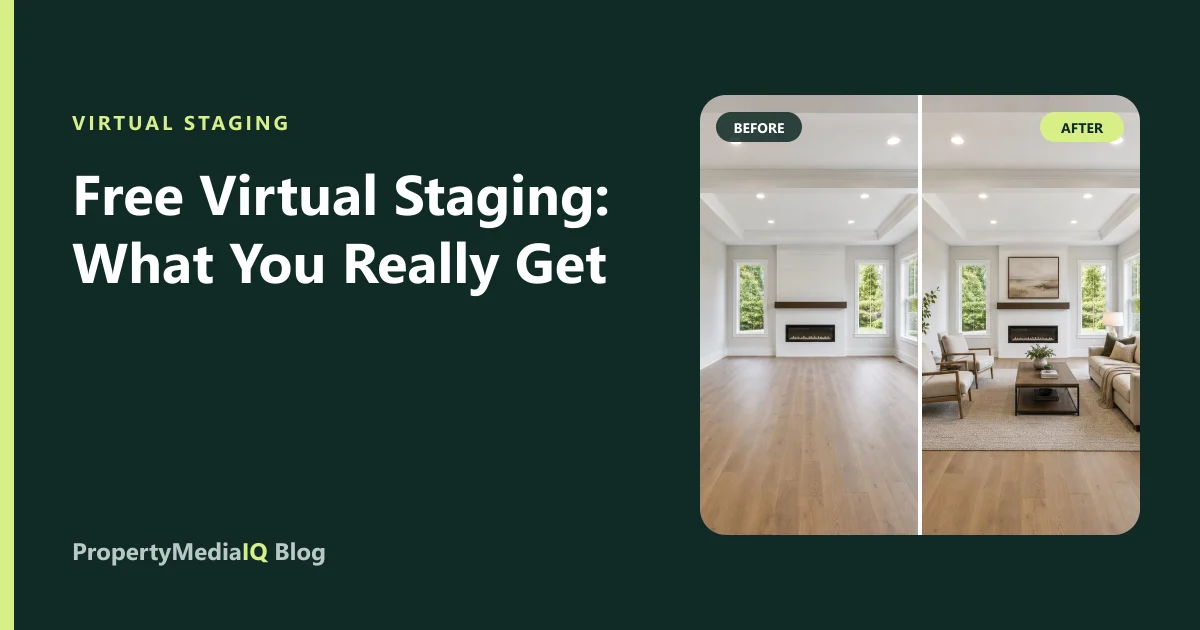
"Free virtual staging" is one of the most searched phrases in listing marketing — and for good reason. Staging makes empty rooms easier to imagine, and nobody wants to pay for something they could get free. The honest answer: free options exist, but most come with limits that make them unsuitable for a live listing. Here's what's out there, the catches to watch for, and how to get professional results for very little.
Where free virtual staging comes from
| Source | What you get | Typical catch |
|---|---|---|
| Free trials of paid tools | A few staged images | Watermarks, preview resolution, or a card required |
| Free credits on sign-up | A handful of renders | Limited styles; paywall for downloads |
| General AI image apps | "Redesign my room" features | Often change walls, windows and floors — risky for listings |
| Mobile interior-design apps | Room ideas for homeowners | Not built for MLS accuracy or listing resolution |
| DIY with a photo editor | Unlimited, in theory | Hours per photo; realism is hard |
The five catches
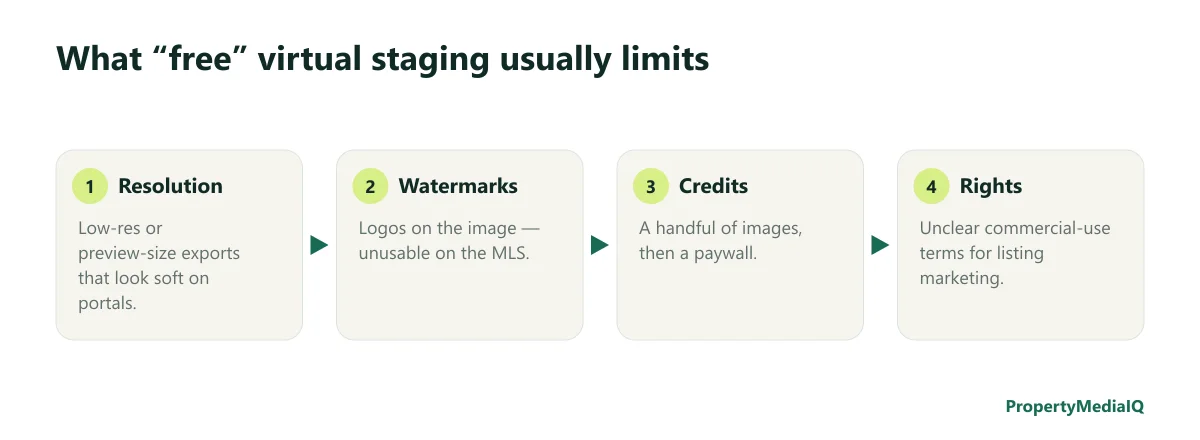
- Watermarks. A logo across the image makes it unusable on the MLS and portals.
- Low resolution. Preview-size exports look soft on large screens and portals that display photos full-width.
- Credit limits. A few free images, then a paywall — often after you've already committed time to the tool.
- Usage rights. Some free tools don't clearly grant commercial rights for advertising a property. Check the terms.
- Accuracy. General-purpose AI "room redesign" features aren't built to preserve architecture. They may change flooring, move windows, or alter the view — which crosses from staging into misrepresentation. See MLS photo rules for virtual staging.
When free is fine
- Testing ideas — seeing how a room might look before deciding whether to stage.
- Seller conversations — showing a homeowner the potential of an empty room in a listing presentation (clearly as a concept).
- Personal projects — redesigning your own home.
When it's worth paying
For a live listing, the photo needs to be full resolution, unwatermarked, legally usable, and accurate. The good news is that "paid" no longer means expensive.
| Option | Cost |
|---|---|
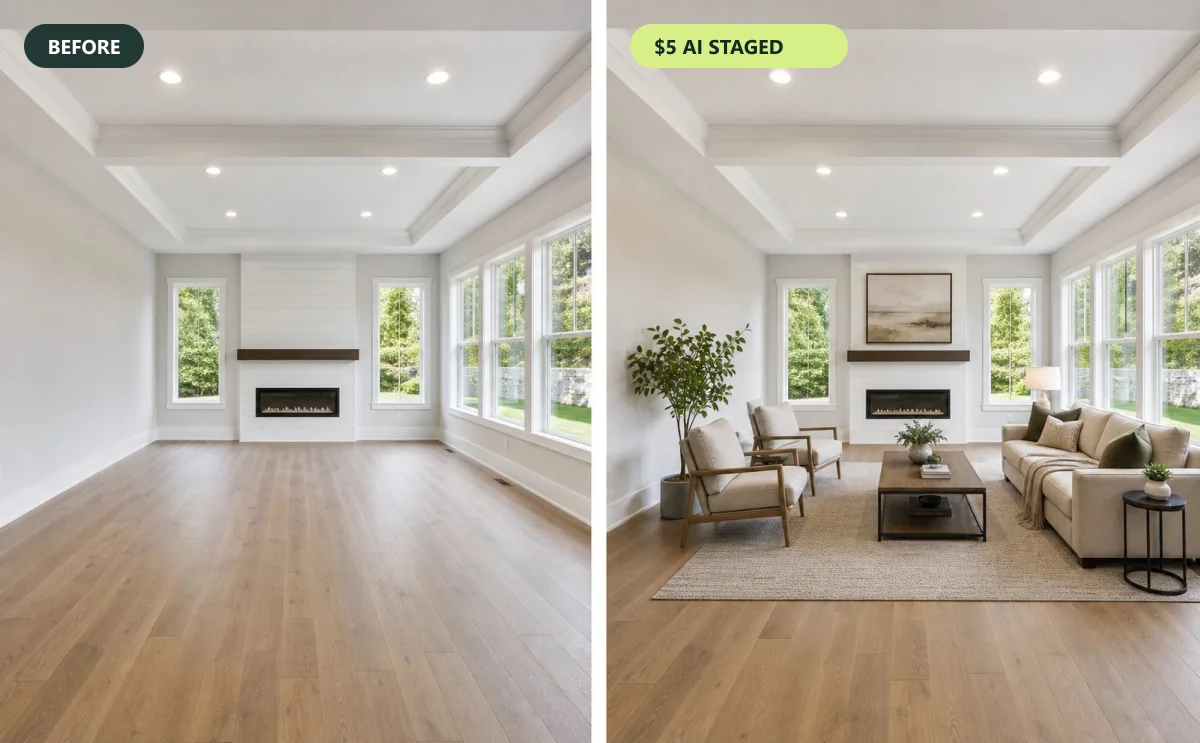
| PropertyMediaIQ pay-as-you-go | $5 per staged photo, up to four previews, free revisions |
| PropertyMediaIQ Starter plan | $25/month for 30 photos (~$0.83 each) |
| Listing Essentials package | $39 per property: up to 6 staged photos, enhancement of all photos, sky replacement, listing description |
| Physical staging | Commonly thousands of dollars per listing |
At $5, staging a whole vacant listing typically costs less than a single hour of a stylist's time. Full pricing comparison in how much virtual staging costs.
How to get the most for the least
- Stage only the rooms that matter. Main living area, primary bedroom, kitchen/dining, and any awkward room buyers can't picture. Skip small secondary rooms.
- Use enhancement where staging isn't needed. A $2 exposure and color correction often fixes a room that already shows well.
- Remove before staging occupied rooms. $2 furniture removal + $5 staging beats a messy staged-over result.
- Generate variations and pick the best instead of paying for a second attempt.
- Reuse the staged photos for a short property video and social posts — see real estate reel ideas.
DIY virtual staging: realistic about the effort
If you have design software skills and time, you can stage manually — placing 3D or photo-based furniture into the image and matching perspective, shadows and light. It's doable, but it typically takes much longer per photo than AI, and realism is hard to achieve without experience. Our step-by-step comparison: how to virtually stage a room: DIY vs. AI.
Checklist before you publish any staged photo
- Full resolution, no watermark.
- You have the right to use it in advertising.
- Walls, windows, doors, floors, fixtures and views unchanged.
- Realistic scale, perspective and shadows.
- Disclosed as virtually staged; original kept.
A real example: staging a vacant three-bedroom for under $40
Take a typical vacant listing: living room, dining area, kitchen, primary bedroom, two secondary bedrooms, two bathrooms and a front exterior.
| Photo | Treatment | Cost |
|---|---|---|
| Living room (hero) | Virtual staging, 4 previews | $5 |
| Dining area | Virtual staging | $5 |
| Primary bedroom | Virtual staging | $5 |
| Second bedroom | Virtual staging as a home office | $5 |
| Kitchen | Image enhancement | $2 |
| Bathrooms (2) | Image enhancement | $4 |
| Third bedroom | Enhancement only (small room) | $2 |
| Front exterior | Sky replacement | $2 |
| Total | $30 |
Staging the second bedroom as an office rather than another bedroom shows buyers a flexible use — something free tools with a fixed style rarely offer. The Listing Essentials package ($39) covers a similar set plus an AI listing description.
What to look for in a trial, if you do try free options
If you test a free tier before buying anything, use it to evaluate — not to produce your final listing photos:
- Use your hardest photo, not your easiest: a small bedroom or an unusual angle shows the tool's limits.
- Check the full-resolution output — not the on-screen preview.
- Zoom in on edges and contact points where furniture meets the floor.
- Compare architecture pixel by pixel: window frames, outlets, flooring direction.
- Read the terms for commercial usage and whether the provider can reuse your images.
- Time the whole process, including sign-up and downloads — your time has a cost too.
Frequently asked questions
Is there completely free virtual staging for real estate? Some tools offer free trials or credits, but results are usually watermarked, low-resolution or limited. Truly free and listing-ready is rare.
Can I use a general AI image app to stage a listing? Be careful — many change architecture or finishes, which misrepresents the property. Use a tool built to preserve the room.
What's the cheapest way to stage a whole listing? Pay-per-photo AI staging for the key rooms, or a per-property package.
The bottom line
Free virtual staging is great for ideas, not for listings. For a few dollars per photo you get full resolution, no watermark, clear usage rights and an accurate result — the things that actually matter when buyers are looking.
Try it on your own listing photo.
Stage, enhance, or renovate a photo in under two minutes — $5 per photo, no subscription required.